
Menu Translation Guide — What to Do When You Can't Read Tokyo Menus [2026 Edition]
"You picked a place that looked great, opened the menu, and every line was in Japanese." It is one of the first walls visitors to Tokyo run into. This guide covers how to choose a way to translate and understand a menu just by photographing it, how to order once you can, and how to keep that photo as a memory of the trip.
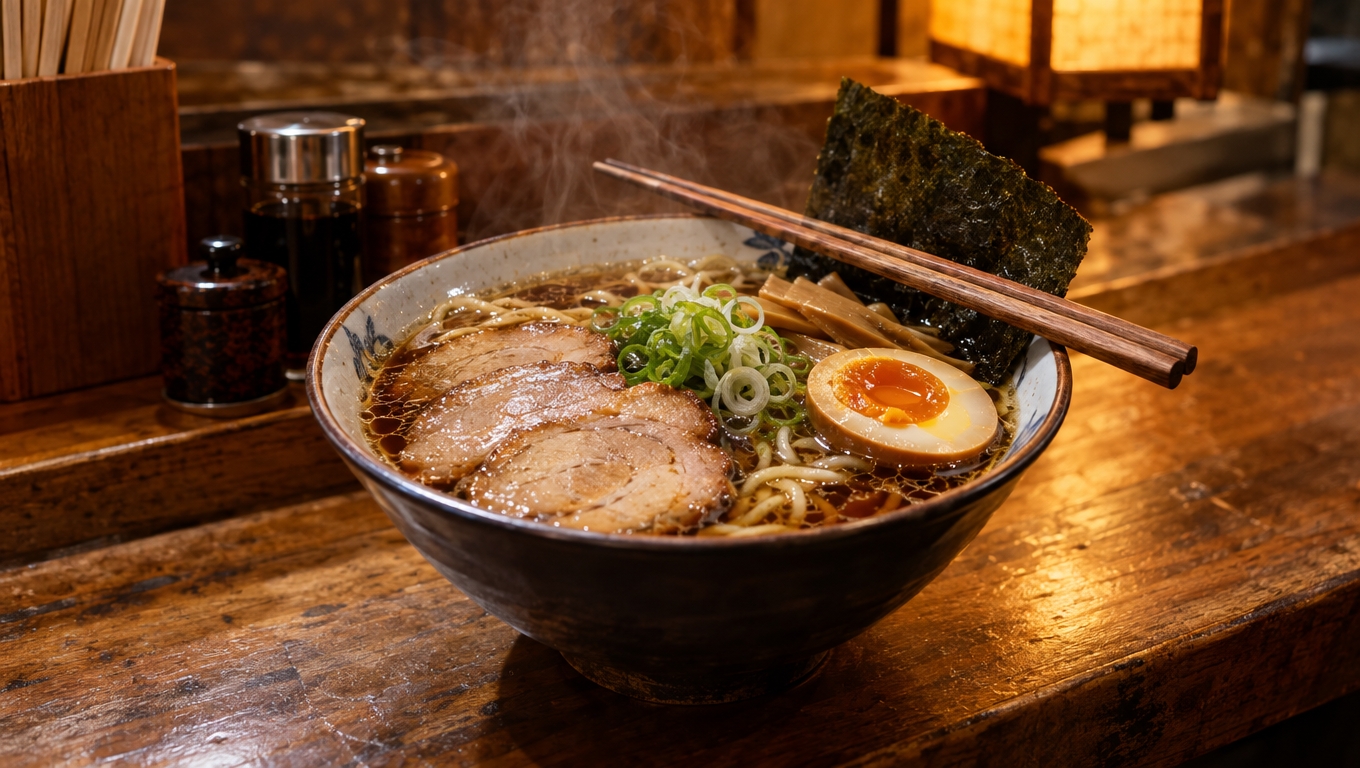
Why Tokyo Menus Are Hard to Read
The trouble with menu translation comes down to three things.
- Japanese-only menus: step away from the tourist districts and English menus get scarce fast
- Concepts that do not translate: "yakitori" and "tempura" can be translated word by word, but the picture still does not come together
- Hand-written daily specials, noren curtains, and taped-up notices: unusual lettering that generic translators struggle to recognize
The second one is the real problem. Even after translation, if you cannot tell what actually arrives, whether it is a full portion, or how to order it, the menu is not solved.
Choosing a Snap-to-Translate Method
There are two main ways to photograph a menu and translate it — plus one more option for what to do with the photo afterwards. Three choices, side by side:
| Method | Best for | Notes |
|---|---|---|
| Google Translate (camera) | Quickly looking up words, free | Free, many languages. Mostly word-for-word substitution; no dish background |
| Dedicated menu translation apps | Studying a full menu in advance | Many add dish photos and explanations. Watch for sign-ups and ads |
| TOKYO LENS (AI explanation + travel record) | Understanding the dish and keeping the memory | Photograph and save a menu, and AI explains it in 8 languages. Word-level accuracy does not match a dedicated translator — but it tells you what the dish is and how to enjoy it. Everything you snap becomes a die-cut sticker in your travel journal |
There is no single right answer — it is about what you are trying to do. Just the words? Understand the dish? Get the order placed? And do you want to keep that photo as part of your travel record or not.
Which to Use, by Situation
- Choosing the classic dishes at a famous spot: pre-study with a dedicated app or a photo guide
- Deciding on the spot at a small station-side eatery: Google Translate's camera is the fastest for picking up words. If you want the story behind the dish, snap and save it with TOKYO LENS and the AI explains the dish in your language (5 explanations a day, free)
- Supermarket and convenience store labels: camera translation grabs the gist as you go. For shelf struggles in general, see Snap First: Five Tokyo Frustrations Solved by Taking a Photo
Placing the Order
Once you know what things are, ordering comes down to three patterns that work in almost any Tokyo restaurant.
- Point to order: point at the menu item or a photo of the dish. The most reliable method in most places
- Meal ticket machines: at ramen shops and the like, buy a ticket from the machine at the entrance first. Snap the screen and take your time choosing
- Touch-panel ordering: chain restaurants increasingly have multilingual tablets at the table
Tipping does not exist in Japan. Some restaurants settle the bill at the table, others at a register by the door.
After the Translation: Keep the Photo as a Memory
Food forms a surprisingly big part of what you remember from a Tokyo trip. Do not let it end at "translated it, ordered it" — paste that photo into your travel record and the trip gets one layer deeper.
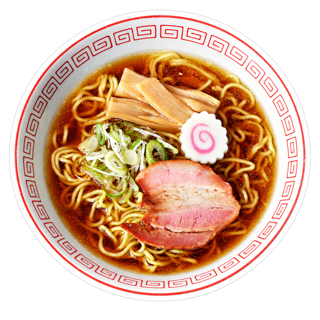
Anything you photograph with TOKYO LENS is cut into a die-cut sticker on the spot, ready to paste into your one-page-per-day travel journal. Your first bowl of ramen, the set meal you hesitated over, the shot from the ticket machine — a page lined with what you ate becomes a travelogue you will reopen for years.
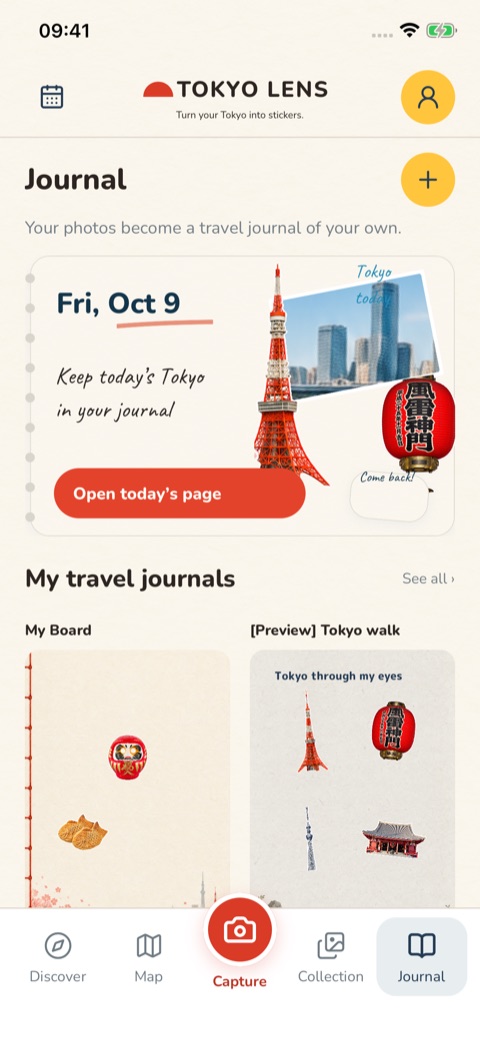
For the full method, see How to Keep Your Tokyo Travel Memories: Shoot, Cut Out, and Paste into a Travel Journal.
Summary
An unreadable menu is only solved when "translation" is joined by "understanding the dish" and "knowing how to order." For words on the spot, Google Translate; for pre-study, a dedicated app; for understanding and keeping what you snap, TOKYO LENS — that is the 2026-edition answer. For the basics of a first Tokyo trip, see the First Trip to Tokyo Guide.